
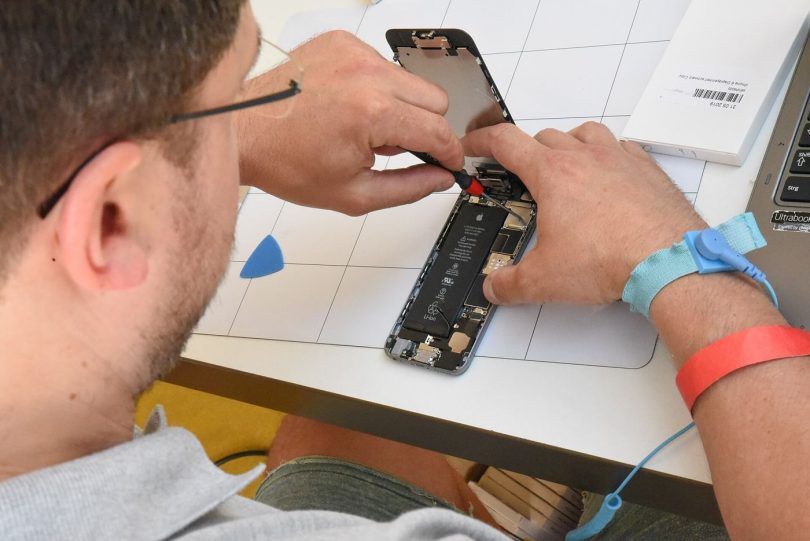

Connect two Android phones to the same Windows PC and you might get two completely different experiences. One appears instantly as storage; the other shows nothing until you install extra software. The difference is rarely the phone’s price or age. It is the chipset inside, and specifically the driver philosophy of the two companies that dominate the market: MediaTek and Qualcomm.
Two dialects for the same conversation
Qualcomm devices typically present themselves through a well-documented set of interfaces, and Windows often finds at least basic functionality with generic support. Their service mode, known as EDL or emergency download, is entered with specific button combinations or test points. MediaTek devices, by contrast, lean heavily on their own VCOM port definitions. A PC without a dedicated MTK Driver package may not recognise a switched-off MediaTek phone at all, because the preloader connection it offers is not part of Windows’ built-in vocabulary.
Tools follow the drivers
Each ecosystem has its flagship utilities. Qualcomm servicing revolves around QFIL and related loaders; MediaTek work is dominated by SP Flash Tool and a family of similar applications. In both cases the tool is only as good as the driver beneath it. Technicians learn quickly to diagnose in layers: cable first, driver second, tool third, phone last. Most “tool errors” reported in forums turn out to be driver problems wearing a disguise.
Which is easier to live with?
For everyday tasks like copying photos, the two are indistinguishable once set up. For repair work, opinions differ. MediaTek’s approach has one celebrated advantage: the preloader makes genuinely bricked phones recoverable in many cases, without special hardware. Qualcomm’s EDL can be equally powerful but is sometimes restricted by manufacturer authentication. Reference material at mtkdriver.org documents the MediaTek side in depth for those who service both.
Maintenance habits for both ecosystems
Whichever camp your phones fall into, driver hygiene follows the same rules. Install packages deliberately, one chipset family at a time, and reboot afterwards so Windows settles its device database. Keep installers for the versions you actually use; the newest release is not automatically the best match for a five-year-old handset. When a previously reliable setup stops working after a Windows update, reinstall before you troubleshoot anything exotic, because updates do occasionally overwrite the bindings that servicing depends on.
Folklore versus documentation
Both ecosystems suffer from forum folklore: registry tweaks, mystery DLL files and rituals involving three reboots and a prayer. Some of it once worked, on some Windows version, years ago. The growth of proper documentation hubs for each platform has changed the craft for the better. A technician who can explain why a phone presents a particular port, and which driver family answers it, will always outperform one reciting rituals, regardless of which logo is on the chip.
It is also worth remembering that the phone in front of you was somebody’s design compromise. Chip choice drives everything downstream: which factories could build it, which repair networks can service it, and which drivers your PC needs today. Learn to read that chain and a spec sheet stops being a list of numbers and becomes a map of the device’s whole life, including the afternoon it spends on your bench.
Neither system is truly better; they are simply different contracts between chip, phone and PC. If you service phones regularly, install both driver families, keep them updated, and label your cables. The day a dead handset lands on your bench, you will be glad the translation layer for its particular dialect is already in place.
Related reading: Semiconductor Supply Chains Are Being Rebuilt in Public